Blog
Notes on spatial capture
Latest articles and updates from Voxelio: 3D scanning, LiDAR workflows, and spatial capture on iPhone.

Gaussian Splatting on iPhone: How It Works
Gaussian splatting on iPhone with Voxelio: how on-device capture, training, and export work, which mode fits your project, and device, pricing, and result

How ARKit Mesh Reconstruction Works
How does ARKit mesh reconstruction work? A clear guide to iPhone LiDAR sensor fusion, world tracking, mesh anchors, and how Voxelio exports it on-device.

iPhone Point Clouds: Capture Settings and PLY Export
Use Voxelio’s density, confidence and max-depth controls, export coloured PLY samples and inspect coverage before downstream processing.

Scan a Room as an iPhone LiDAR Mesh: Capture and Export
Plan room coverage, choose Voxelio Mesh settings and check an OBJ + MTL export before using it in your 3D workflow.

Choose a Voxelio Capture Mode: Six iPhone Workflows
Choose between Voxelio's six iPhone modes for meshes, point clouds, rooms, objects, Gaussian splats and camera video. Modes and export are free.

How to 3D Scan an Object With Your iPhone
Learn how to 3D scan an object with iPhone using Voxelio: prerequisites, capture steps, fixes for warped meshes, and OBJ/USDZ/PLY exports.
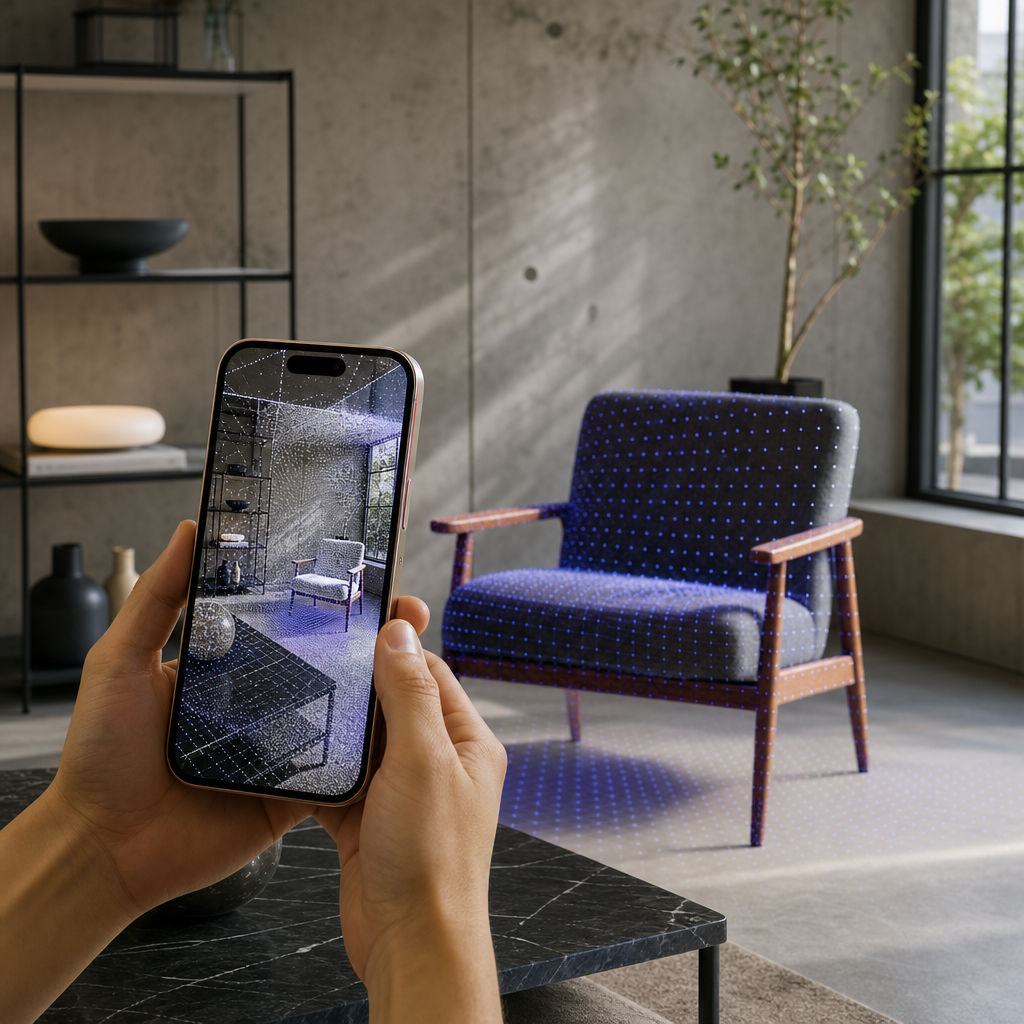
How iPhone LiDAR Becomes a 3D Scan
Understand the difference between depth samples, meshes and structured rooms, and choose the right Voxelio workflow for your iPhone.
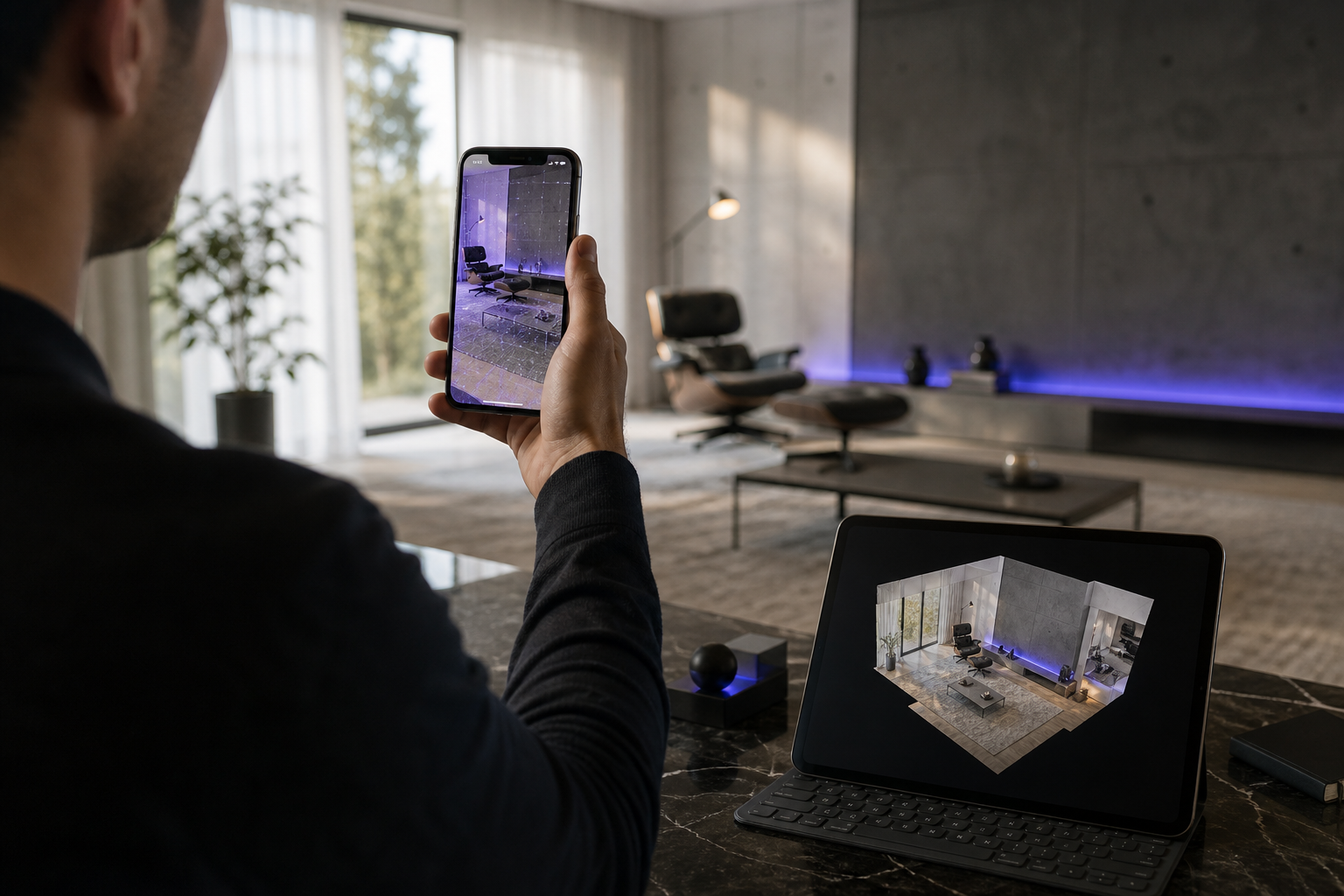
How to Create a Building 3D Model with Your iPhone LiDAR Scanner
Build a 3D model with just your iPhone LiDAR—cut errors from 20cm to 2cm using proven capture techniques. Get exact steps for CAD, AR, and 3D printing exports.