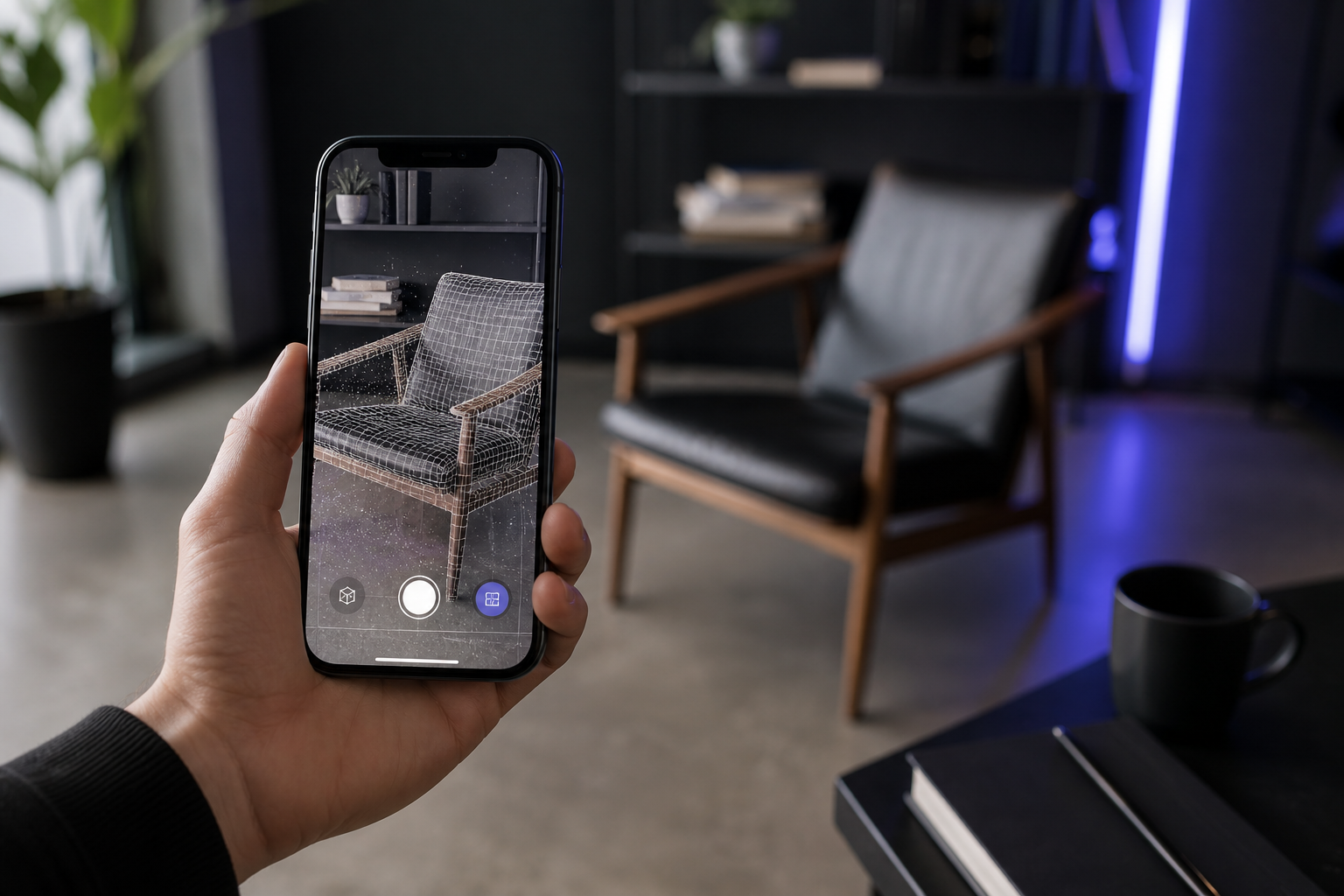
You have spent the last week with a dozen browser tabs open on scanner pricing, and every refresh makes you flinch a little harder. Here is the reality those tabs are showing you: dedicated handheld laser and structured-light scanners that serious hobbyists actually recommend only start to genuinely perform around the $2,000 mark, and according to the Prusa3D community forum, anything under $1,000 usually carries "noticeable compromises in quality." Entry-level dedicated gear like the 3DMakerPro Lynx sits around $450, per 3DWithUs, and survey-grade mobile mappers run into the tens of thousands. So you are stuck on one live decision: do you drop four figures on hardware, or is there a smarter route?
Here is the reframe. If you own an iPhone 12 Pro or later, the cheap 3d scanner you have been searching for is already in your pocket — the LiDAR sensor is a centimeter-grade capture device you have already paid for. A peer-reviewed study found that Apple LiDAR costs roughly 2.5% of a terrestrial laser scanner while still producing "promising 3D model[s] for indoor mapping." This is not a "phones replace everything" puff piece. It is a clear-eyed breakdown of when the most affordable 3D scanner is also the right one — and when it isn't.
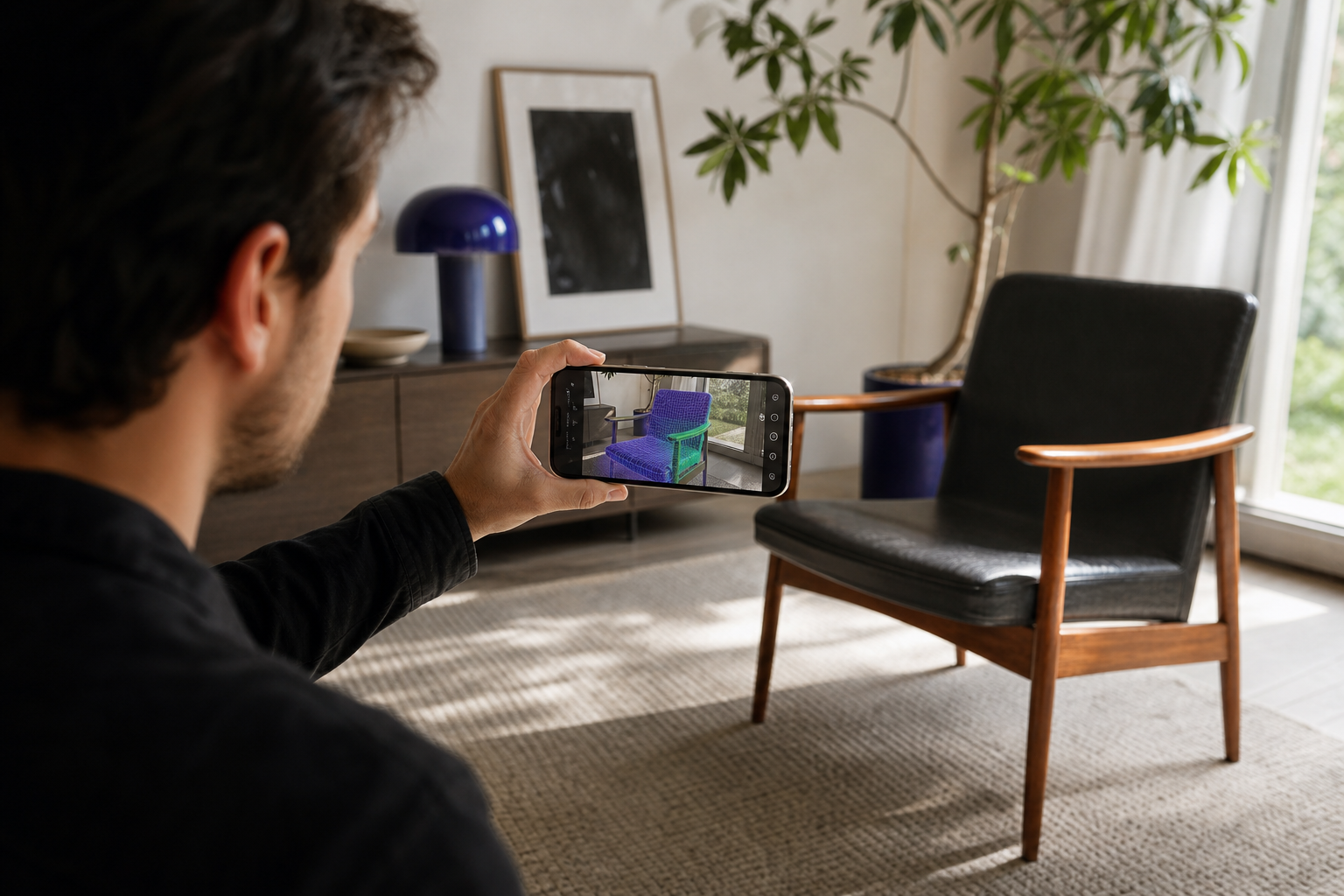
Table of Contents
- What "Cheap" Actually Costs
- Is Your iPhone Actually Good Enough?
- Match the Scanner to the Job
- Free On-Device vs. Subscription Apps
- When a Phone Won't Cut It
- Your 3D Scanning Starter Plan
- Cheap 3D Scanner FAQ
What "Cheap" Actually Costs — The True Price of Every 3D Scanning Route in 2026
Sticker price is a trap. It is the single most misleading number in any scanner purchase because it ignores the two things that actually drain your budget: recurring fees and hardware obsolescence. A scanner that costs nothing upfront can cost you more over four years than one with a $359 price tag, and a $999 unit can become a paperweight when its bundled software stops getting updates. To make a real decision, you have to price the entire route, not the box.
| Route | Upfront cost | Recurring cost | Hardware required | Accuracy class |
|---|---|---|---|---|
| Survey-grade mobile mapper | $10,000s | None | Dedicated unit | Survey-grade / sub-cm |
| Budget structured-light/laser | $359–$999 | None | Dedicated unit | ~0.1–0.3 mm (small objects) |
| Subscription app (cloud) | $0 to start | ~$1.99/wk and up | Smartphone | Centimeter-level |
| Free on-device LiDAR app | $0 | None | iPhone 12 Pro+ | Centimeter-level |
Start at the top. Survey-grade mobile mappers like the NavVis MLX deliver SLAM-based workflows and sub-centimeter accuracy, but they sit orders of magnitude above phone LiDAR in price — well into the tens of thousands. That is correct spend for a survey firm and absurd spend for a maker scanning a bracket.
The budget 3d scanner band is where most hobbyists get pulled in. The 3DMakerPro Seal Lite runs about $359, the Lynx around $450, and the RevoPoint MetroX Laser around $999, per MatterHackers and 3DWithUs catalogs. These units advertise 0.1–0.3 mm point accuracy on small objects — genuinely useful precision. But the Prusa3D forum's experienced users are blunt that sub-$1,000 gear involves real quality trade-offs, and that the scanners they actually trust climb toward $2,000.
Now the hidden costs. Three of them quietly decide which route is cheapest.
The first is the export paywall. Many cloud apps gate scan length, resolution, or export format behind a subscription, according to KIRI Engine and HP Academy. Scandy Pro, for example, is free to scan but unlocks full features at about $1.99 per week. That sounds trivial. Annualized, it is roughly $103 per year, indefinitely. Run that subscription for four years and you have spent roughly $412 — more than a $359 dedicated scanner — while owning nothing you can keep.
The second is hardware obsolescence, the cost that ambushes dedicated-unit buyers. Your scanner is only as current as the software stack that drives it. The third is the time tax of cloud upload queues — every scan that has to round-trip to a server costs you minutes you will never invoice.
The free on-device route sidesteps all three. If you already own a recent iPhone, the incremental cost is effectively zero beyond the phone. No subscription, no upload, nothing to render off-device.
The cheapest scanner isn't the one with the lowest sticker price — it's the one whose costs stop the moment you stop scanning.
Is Your iPhone Actually Good Enough? LiDAR Accuracy vs. Dedicated Hardware
This is the question that decides everything, so let's answer it without spin. The honest position on the iPhone as a phone 3d scanner is that it wins decisively in some scenarios and loses badly in others — and knowing which is which saves you from both wasted money and disappointing scans.
What the phone actually delivers
In a controlled indoor mapping study, Apple LiDAR devices produced 3D models with errors in the centimeter range relative to a terrestrial laser scanner reference, which the authors judged "sufficient for many indoor mapping tasks." Translate "centimeter-level" out of the abstract and into your workflow: it is good enough for room dimensions, furniture footprints, mid-size objects, space planning, real-estate visualization, and architectural documentation. It is not good enough for sub-millimeter QA.
A field test pitting iPhone 16 Pro LiDAR against a survey total station backs this up empirically. You see real deviations between phone-derived measurements and survey-grade data, but the proximity stays workable for construction and layout purposes. The phone does not match the total station. It gets close enough that, for layout-level decisions, the gap stops mattering.
Where dedicated hardware still wins
Be clear-eyed here, because this is where vendors and enthusiasts both oversell. According to depth-sensor maker Structure.io, iPhone LiDAR is "the least accurate of all available options" when compared against TrueDepth and its Structure Sensor 3 — a vendor claim, but a technically grounded one, rooted in the physics of time-of-flight measurement and short measurement intervals. Phone LiDAR is not a metrology instrument, and no app can change the sensor underneath it.
Three categories defeat consumer depth sensors outright. Sub-millimeter metrology and QA inspection need point accuracy the phone cannot reach. Tiny, intricate parts smaller than a few centimeters fall below its effective resolution. And reflective, transparent, or jet-black surfaces remain problematic for consumer depth sensors and photogrammetry alike — a limit that scanner manufacturer Artec 3D also stresses in its own app overview. If your job lives in any of those three buckets, the phone is the wrong tool, full stop.
Where the phone wins, and wins big
Speed, portability, and a zero learning curve are obvious advantages. The less obvious one is privacy. On-device apps run ARKit mesh reconstruction, spatial point cloud fusion, and keyframe texture baking entirely on the phone, so no scan ever leaves the device. Cloud apps trade that away: they take your upload time and recurring fees in exchange for cleaner meshes rendered on remote servers. For an architect handling NDA site data or an engineer scanning a client's proprietary part, on-device processing isn't a nice-to-have. It is the requirement.
Once you have captured geometry, the next practical question is how cleanly you can convert that point cloud into a usable mesh — the step where keyframe texture baking turns raw depth data into something your downstream tool will actually open. If you want the full breakdown, our guide on converting point clouds into usable 3D models walks through it step by step.
The takeaway is not that the phone replaces a scanner. It is that for the vast majority of room-scale and object-reference work, the phone lands inside the tolerance that matters — at roughly 2.5% of the cost of a terrestrial laser scanner.
Match the Scanner to the Job — Which Capture Mode Fits Your Use Case
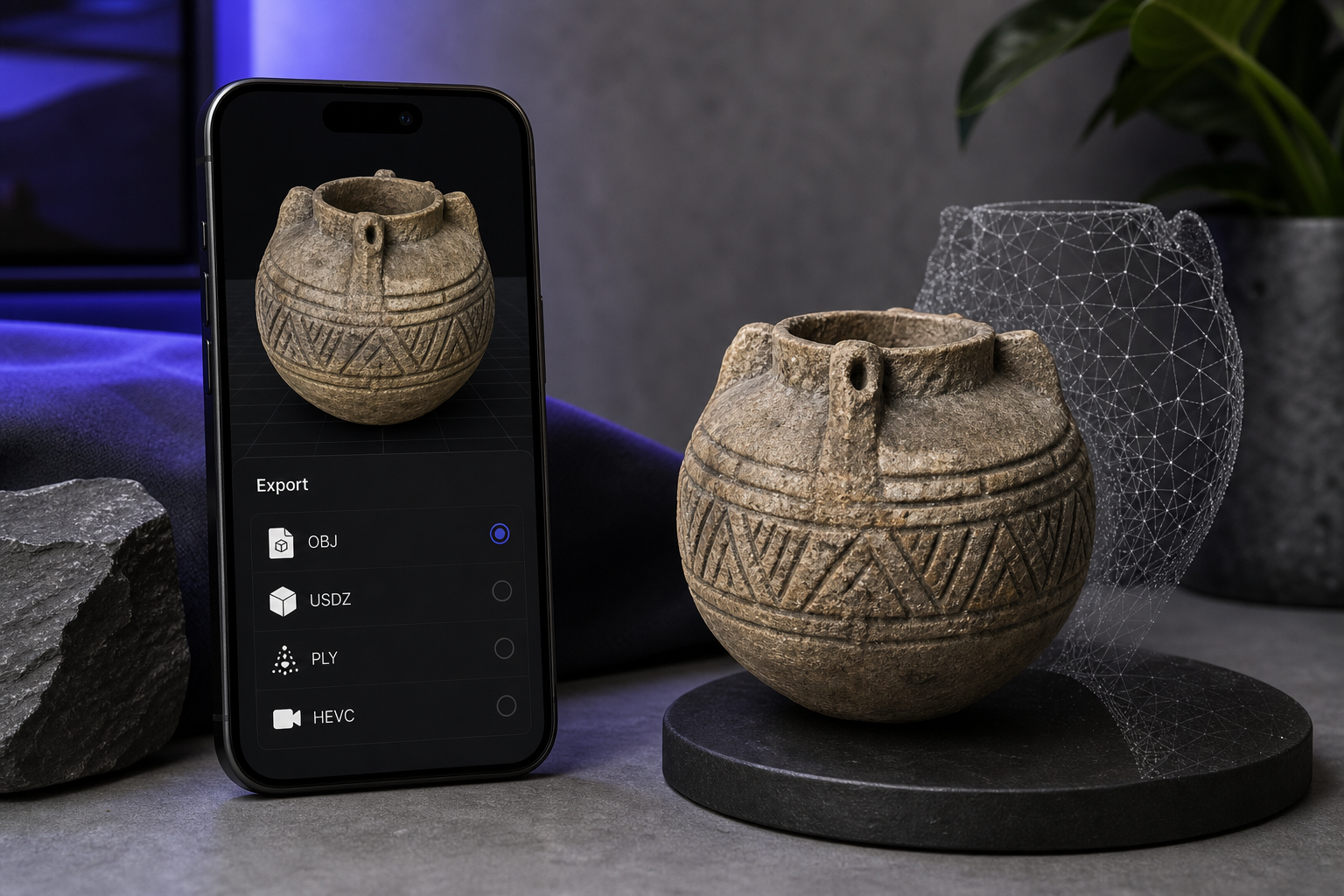
Accuracy is only half the equation. The other half is whether the file lands in your downstream tool without a fight. This is where phones have quietly closed the gap: standard mobile outputs now include OBJ, STL, PLY, and USDZ, with some apps adding GLB/GLTF — output-format parity with dedicated scanners that lets phone scans drop straight into CAD, print, and AR workflows. Match the capture mode to your job, and the export takes care of itself.
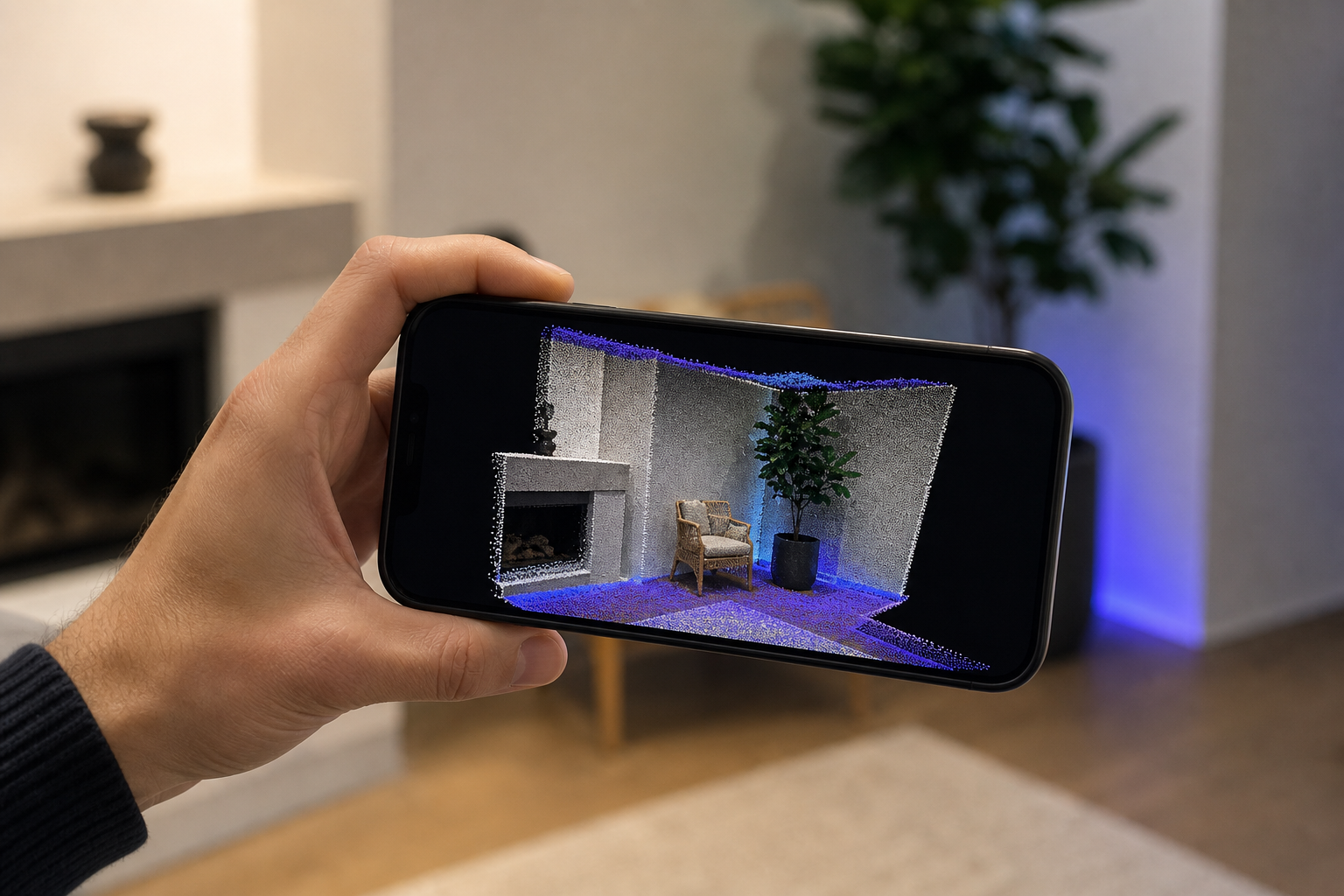
- The Spatial-Capture Architect / Real Estate Pro — Mesh mode captures rooms and floors as textured meshes. Centimeter-level accuracy covers documentation, space planning, and listing visualization, and feeds directly into the kind of 3D scanning workflows used across architecture and BIM. Output: textured OBJ/USDZ.
- The Reverse-Engineering Maker / Engineer — Point Cloud plus Mesh modes feed CAD and fabrication. Capture the geometry on-site, then bring it into your modeler to rebuild parametrically. Output: PLY point cloud → STL/OBJ.
- The E-Commerce Seller — Mesh mode exports straight to USDZ for native AR product listings, replacing flat photos with rotatable 3D models customers can place in their own space. Output: USDZ.
- The CV / Robotics Researcher — Pose+Video mode delivers HEVC video with frame-accurate camera poses for NeRF capture, SLAM, and photogrammetry pipelines. The pose data is the part most consumer apps throw away. Output: HEVC + camera pose data.
- The DIY / 3D-Printing Hobbyist — Mesh or Point Cloud mode gives you a fabrication reference for any object you want to remix or reprint, dropped straight into your slicer. Output: OBJ/PLY → slicer.
Free On-Device vs. Subscription Apps — Where the Money Really Goes
There are two app models competing for your scan, and they are not just two price points — they are two fundamentally different architectures. Understanding why each cost exists tells you which one fits your work better than any star rating could.
| Factor | Cloud-subscription model | Free on-device |
|---|---|---|
| Processing location | Remote servers | On-device |
| Recurring fees | ~$1.99/wk and up | None |
| Export limits | Often gated by tier | Unlimited local export |
| Data privacy | Scans uploaded to cloud | Never leaves device |
| Offline capability | Requires connection | Full offline |
| Output formats | Varies by plan | OBJ / USDZ / PLY / HEVC + poses |
The cloud-subscription model exists because rendering a clean mesh from raw capture is computationally heavy, and offloading it to a server lets a thin app punch above the phone's weight. The trade is real: cloud rendering can yield cleaner meshes, but you pay in upload time and recurring fees. You also accept the gates — cloud apps frequently limit scan length, resolution, or export format unless you subscribe.
Not every freemium app behaves the same way. KIRI Engine positions itself as "truly free" with no export paywall, reserving only higher-tier cloud processing for paid plans, and HP Academy calls it their favorite free option. That is the generous end of the cloud model. The restrictive end is the Scandy Pro pattern, where full functionality unlocks from about $1.99 per week — a small weekly number that compounds into a permanent line item.
The on-device model exists for a different reason: responsiveness and privacy. Processing on the phone, as Scaniverse does, improves responsiveness and keeps data local. When spatial point cloud fusion and keyframe texture baking run on the device itself, two things happen at once. The subscription treadmill disappears, and your proprietary scan data never touches a third-party server — the decisive factor for any architect or engineer handling client or NDA material.
A subscription scanner rents you access to your own data; on-device processing means the scan is yours the second it finishes.
When a Phone Won't Cut It — Honest Limits Before You Skip the Hardware
The credibility of every recommendation above depends on naming the cases where it falls apart. Here are the five scenarios where you should buy dedicated hardware — and what the phone can still do for free, even then.
- You need certified sub-millimeter metrology or QA inspection. Budget dedicated scanners advertise 0.1–0.3 mm point accuracy on small objects; phone LiDAR is centimeter-level. That is one to two orders of magnitude. Verdict: buy hardware. The phone can still pre-scan for fit checks before you commit setup time on the precision unit.
- You're scanning highly reflective, transparent, or jet-black surfaces. These defeat consumer depth sensors and photogrammetry alike, a limit scanner maker Artec 3D also flags. Verdict: dedicated scanner, or treat the surface with scanning spray. The phone gives you a rough proxy at best here.
- You need fine detail on objects smaller than a few centimeters. Phone LiDAR is built for room-scale and mid-size objects, not tiny intricate geometry. Verdict: structured-light scanner. Use the phone to capture surrounding context the small scanner can't see.
- Your iPhone is older than 12 Pro. No LiDAR sensor means no on-device depth capture — a hard hardware gate that no app can work around. Verdict: upgrade the phone or buy a scanner. There is no free path on a non-LiDAR device.
- You need standardized, defensible output for regulated workflows. Structure.io frames phone LiDAR as the least accurate among professional options, and the peer-reviewed indoor mapping study cautions against phones where survey-grade tolerances are required, especially over longer distances and complex geometry. Verdict: survey-grade equipment. The phone is still a fine scoping pass to size the job.
For everyone outside these five cases, the free phone path is not a compromise — it is the correct tool. And even inside them, a free phone scan is a smart way to validate scope before you spend a cent.
Your 3D Scanning Starter Plan — From Download to First Clean Export
Here is the sequence from zero to a validated export, in the order that prevents the mistakes that ruin first scans.
- Confirm your device. You need an iPhone 12 Pro or later, because LiDAR is the non-negotiable hardware gate. Android support is planned.
- Download the app. Free, with no subscription and no cloud account to create. There is nothing to unlock before you can export.
- Pick your capture mode. Use the use-case map from earlier — Mesh, Point Cloud, Pose+Video, or MultiCam — and choose by the file your downstream tool wants, not by which mode sounds most advanced.
- Run a controlled first scan. Pick a single object with even, diffuse lighting and avoid reflective or transparent surfaces for your first attempt. Move slowly and hold a consistent distance — the iPhone-versus-total-station field test makes clear that steady, methodical capture is what keeps phone scans inside workable tolerance.
- Export in your target format. OBJ or USDZ for AR and meshes, PLY for point clouds, HEVC plus camera poses for research pipelines — all generated on-device, all yours immediately. If your endpoint is a printable model, this is the moment for turning your point cloud into a watertight mesh.
- Validate downstream. Open the file in your real tool — CAD or slicer for makers, AR Quick Look for sellers, your NeRF or SLAM pipeline for researchers. Confirm scale and topology before you build a workflow on top of it.
The cheapest viable 3D scanner is the one already in your pocket. Verify it on a real object today, before you spend a cent on hardware.
Cheap 3D Scanner FAQ
What's the cheapest 3D scanner that still gives usable accuracy in 2026?
A LiDAR iPhone — 12 Pro or later — paired with a free on-device app. Apple LiDAR delivers centimeter-level indoor models at roughly 2.5% the cost of a terrestrial laser scanner. If you need tighter precision, dedicated budget hardware starts around $359. For room-scale and object-reference work, the phone you already own is the lowest-cost route that still produces usable geometry.
Do I need an iPhone Pro model, or will any iPhone work?
You need LiDAR, and LiDAR is present only on iPhone 12 Pro and later Pro models. Standard non-Pro iPhones lack the sensor entirely, which means no on-device depth capture is possible regardless of which app you install. There is no software workaround for a missing sensor — check your exact model before planning any scanning workflow around it.
Can a free phone scanner export files my CAD, 3D printer, or AR platform can actually use?
Yes. Standard mobile outputs include OBJ, STL, PLY, and USDZ, matching dedicated scanners on the export side. That parity is the whole point — it lets a phone scan drop into CAD for reverse engineering, into a slicer for printing, or into AR Quick Look for product listings without format conversion gymnastics.
Is on-device scanning private — does anything get uploaded?
With a fully on-device app, no. Processing runs entirely on the phone, so scans never reach a third-party server — unlike cloud apps that upload your capture for remote rendering. For client site data, NDA-bound parts, or anything proprietary, that distinction is the difference between a tool you can use on the job and one you can't.
When is it worth paying for a dedicated 3D scanner instead?
When you need sub-millimeter accuracy — budget hardware hits 0.1–0.3 mm versus centimeter-level for phones — or fine detail on parts smaller than a few centimeters, or reliable capture of reflective, transparent, or jet-black surfaces. Outside those cases, the dedicated unit buys you precision you won't use at a price you don't need to pay.