
The 3D Scanning Process Explained: From Object to Digital Twin
You have a physical object — a cathedral facade weathered by 400 years, a turbine blade out of tolerance by 0.04mm, a Bronze Age fragment that cannot be touched, a patient's femur before surgery — and you need a digital twin. The 3d scanning process is not one workflow. It is at least five distinct technology families, and the wrong choice multiplies your cost and timeline by 5-10x.
This walkthrough shows how each method captures geometry, where each one fails, and which one fits which problem. Most "3D scanning explained" articles stop at definitions. This one goes to the decision point — the moment you have to commit a budget, a deadline, and a deliverable specification to a single technology family.
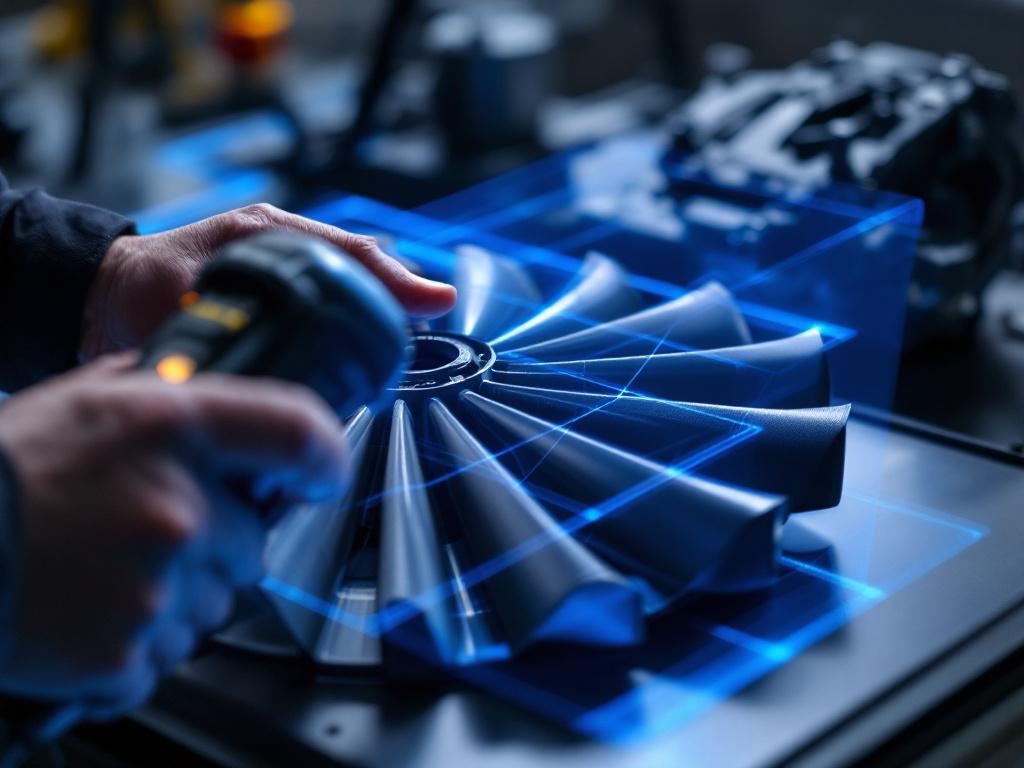
Table of Contents
- Why Manual Measurement Costs More Than You Think
- The Five Scanning Technologies, Compared Side by Side
- How Photogrammetry Actually Works: From Shutter Click to Point Cloud
- Structured Light Scanning: Why Factories Trust It and Photogrammetry Cannot Replace It
- Outdoor and Large-Scale Capture: When LiDAR, Drones, and TLS Take Over
- What Happens After Capture: Cleaning, Meshing, and Choosing Your Export
Why Manual Measurement Costs More Than You Think
Calipers and tape measures capture discrete points, not surfaces. A skilled technician measuring a complex geometric part takes hours and still misses curvature data entirely. A heritage conservator using hand sketches can document the visible surface — never the substructure, never the deformation pattern, never the sub-millimeter tool marks that reveal how a piece was originally manufactured. Manual measurement is not slow because the technician is slow. It is slow because the method itself is point-by-point in a world of continuous surfaces.
Manufacturing QC lives this constraint daily. Coordinate Measuring Machines (CMMs) probe one point at a time on a moving stage. A turbine blade has thousands of relevant surface points across its leading edge, trailing edge, and pressure-suction surfaces. Manual probing takes hours per part; structured light captures the whole surface in a series of seconds-long captures. The cost is rarely the measurement itself — it is the line stoppage waiting for measurement, the inventory parked on a quarantine pallet while QC catches up, and the rework decisions made on incomplete data because nobody had time to probe enough points.
Heritage and archaeology face a different version of the same problem. Hand documentation is destructive over time — every handling cycle damages an artifact slightly — and incomplete by definition. Pencil sketches cannot record the sub-millimeter tool marks that tell a conservator whether a piece was carved, cast, or pressed. Photographs flatten the third dimension. This is why museums, conservation labs, and field archaeology teams have shifted to non-contact documentation of fragile artifacts — the artifact is captured once, and every subsequent measurement happens against the digital record.
Construction and AEC workflows hit the problem at building scale. Manual as-built surveys take weeks for a single floor of a complex structure. Errors compound as each measurement is taken from a previous one — the classic surveyor's drift. By the time you reach the far side of the building, your accumulated error is several centimeters and nobody can tell you exactly where it crept in. A LiDAR scan of the same floor takes one afternoon and produces a coordinate-accurate point cloud the BIM team can work from directly.
Medical applications suffer the same point-by-point limitation in a more personal form. Plaster casting for prosthetics is uncomfortable, slow, and produces a single physical artifact that cannot be edited, cannot be archived in a useful way, and cannot be transmitted between specialists. A handheld scan produces an editable digital model in minutes that prosthetists, surgeons, and CAD operators can work with simultaneously from different cities.
The question is not whether to scan — for any of these industries the answer is settled. The question is which 3d scanning process to use, and that choice is governed by three constraints (subject material, required accuracy, and budget) that the rest of this article unpacks.
The Five Scanning Technologies, Compared Side by Side
Every 3D scanning project uses one — or, more often, a combination — of five core technologies. The table below shows how they differ on the dimensions that matter for project planning: how they capture geometry, how fast they work, how accurate they are, what subject material they prefer, and what they cost relative to each other.
| Technology | Capture Principle | Typical Speed | Accuracy Range | Best Subject Type |
|---|---|---|---|---|
| Photogrammetry | Overlapping 2D photos reconstructed in software | Fast capture, hours of processing | Sub-mm to cm depending on setup | Textured organic surfaces, outdoor scenes |
| Structured Light | Projected pattern + camera triangulation | Seconds per scan | Sub-millimeter | Small to medium rigid parts |
| Laser Triangulation | Laser line + sensor triangulation | Real-time | Sub-millimeter | Mid-size industrial parts |
| LiDAR (TLS & mobile) | Time-of-flight or phase-shift laser | Real-time, large area | Millimeter to centimeter | Buildings, landscapes, large interiors |
| CT / MRI | Volumetric X-ray or magnetic resonance | Minutes per scan | Sub-millimeter, internal | Internal geometry, dense materials |
Photogrammetry is the entry point for most practitioners because it works with any DSLR or modern phone camera plus free or low-cost software (Agisoft Metashape, RealityCapture, and the open-source Meshroom are the three most common). Capture is fast — you walk around the subject taking photos — but processing time scales nonlinearly with photo count. A 200-photo object scan might process in fifteen minutes on a high-end GPU; a 5,000-photo building scan might process for two days on the same machine.
Structured light dominates manufacturing QC for one reason: repeatability. The same scanner scanning the same part produces near-identical results across operators and shifts, which is the precondition for using scan data in pass/fail inspection against a CAD nominal. Speed matters too — captures complete in seconds — but speed without repeatability is just fast garbage.
LiDAR owns outdoor and large-scale work because it carries its own light source. Where structured light projectors get washed out by daylight and photogrammetry struggles with featureless surfaces, LiDAR pulses laser light and times the return. Range extends from roughly 10m for compact units to several hundred metres for surveying-grade terrestrial scanners.
CT and MRI sit in their own category because they capture what no other method can — internal geometry. A scanned bone, a casting flaw inside a metal part, the layered structure of a composite — none of these are visible to surface scanners. Cost and (for CT) radiation considerations restrict CT to medical and industrial-internal applications.
The combination point matters most: most professional projects use two methods. Heritage projects pair LiDAR for site geometry with photogrammetry for color detail. Manufacturing inspection pairs structured light for the part with CT for the internal voids. Treating the technologies as exclusive choices misses how they actually get deployed.
The scanning technology you choose is locked by three constraints — subject material, required accuracy, and timeline. Pick two, and the third decides itself.
How Photogrammetry Actually Works: From Shutter Click to Point Cloud
Photogrammetry turns a stack of overlapping photos into a 3D model by reverse-engineering camera positions and reconstructing depth from parallax. There is no laser, no projected pattern, no specialized capture hardware — just photographs and the math to relate them. Understanding the six-step pipeline below is worth the time even if you never run a photogrammetry job yourself, because the same principles surface in every other 3d scanning process that fuses image data with geometry.
Step 1 — Image capture. The camera circles the subject in two or three concentric rings (low, mid, and high angle). Each photo overlaps the previous by 60-80%. Lighting must be diffuse and consistent — direct sunlight creates shadows that move between frames and break alignment. For a small object: 60-150 photos. For a building exterior: 500-2,000 photos. For a heritage site captured in detail: tens of thousands.
Step 2 — Photo upload and pre-processing. Images load into Agisoft Metashape, RealityCapture, or Meshroom. The EXIF data baked into each file (focal length, sensor size, exposure) tells the software the camera's intrinsic parameters. Bad EXIF data, mixed lenses, or unstable focal lengths from autofocus zoom shots cause downstream alignment failures that look like software bugs but are actually input-data problems.
Step 3 — Feature detection and alignment. The software finds distinctive points (corners, texture transitions, surface details) in each photo and matches them across frames. From the matches, it solves for where each photo was taken in 3D space. The output is a sparse cloud — looks like dots floating in air with little camera icons indicating photo positions. If the sparse cloud is clean, the rest of the pipeline almost always works. If it is fragmented, no amount of computer power downstream will save it.
Step 4 — Dense cloud generation. The software interpolates between the sparse points to produce a dense point cloud — millions to hundreds of millions of points. This is the compute-intensive step (minutes for a small object on a high-end GPU; hours to days for a building captured at high resolution).
Step 5 — Mesh generation and texturing. Points connect into triangles forming a continuous surface. Original photos are then projected back onto the mesh as color texture, either as per-vertex RGB values or as a UV-mapped texture atlas.
Step 6 — Export. Output as OBJ (universal mesh format), FBX (with rig data for animation pipelines), PLY (with vertex colors for scientific archival), or GLB/GLTF for web and AR delivery.

When photogrammetry wins: textured organic surfaces (rock, weathered wood, stone, fabric, vegetation), outdoor environments where you cannot project light onto the subject, situations where you cannot bring a scanner but can bring a camera. It is also the only practical method for very large heritage sites and aerial capture from drones — the camera scales to the subject in a way scanner hardware does not.
When it fails: reflective surfaces (chrome, polished metal, glass), where the software cannot find consistent feature points because the surface appearance changes with viewing angle. Smooth single-color walls — no features to match. Anything moving during capture — water, foliage in wind, people walking through frame. The workaround for shiny or featureless surfaces is matte spray powder or fiducial markers placed on the subject — the markers give the alignment algorithm fixed reference points it can lock onto regardless of surface character. Practitioners working in heritage and industrial contexts treat marker placement as a routine part of capture prep, not an exception.
Structured Light Scanning: Why Factories Trust It and Photogrammetry Cannot Replace It
Structured light scanning works on a deceptively simple principle. A projector throws a known pattern — parallel stripes, sinusoidal fringes, or pseudo-random dot grids — onto the subject. One or two cameras observe how the pattern deforms as it wraps over the surface. Because the projector-to-camera geometry is calibrated to known tolerances, every deformation pixel becomes a 3D coordinate via triangulation. A single capture takes a fraction of a second to a couple of seconds. Multiple captures from different angles are merged in software into a complete surface model.
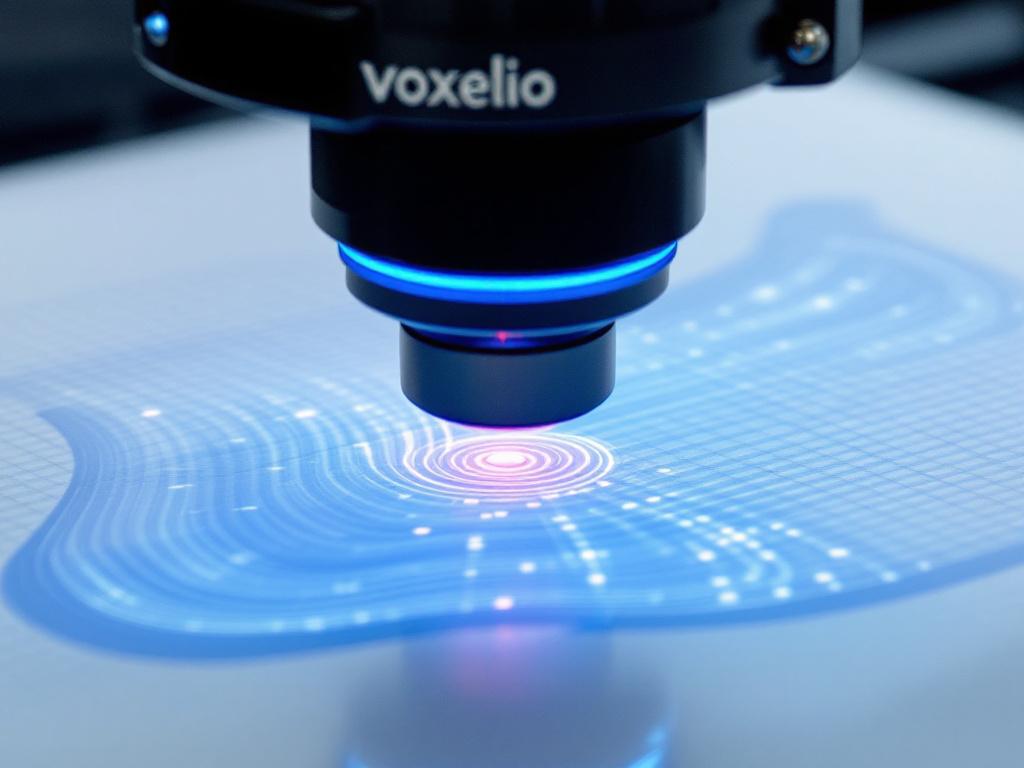
Speed is the headline that gets structured light into trade-show demos, but speed alone does not explain why QA departments specify it. The reason is repeatability. The same scanner scanning the same part produces near-identical results across operators, shifts, and recalibration cycles. That consistency is what allows scan data to be used in automated pass/fail inspection against a CAD nominal, where deviation tolerances are measured in tens of microns and a non-repeatable measurement system would generate false rejects every shift.
The operational workflow has four phases. Surface preparation: clean the part, and if it is shiny or transparent, apply a uniform matte spray — typically a sublimating powder that evaporates within a few hours and leaves no residue. Calibration: a calibration plate is scanned at the start of each session to lock projector-to-camera geometry. Skip this step and your accuracy claim becomes fictional. Capture: the scanner is held or fixtured at typical working distances of 200-600mm from the subject, with multiple overlapping scans needed to cover all surfaces of a complex part. Alignment: software (GOM Inspect, Geomagic Control X, and Artec Studio are common alternatives) merges the individual scans using overlap regions or markers placed on the part.
Three material categories give structured light real trouble. Highly polished metals send the projected pattern away from the camera as a mirror reflection, leaving the camera looking at a black surface. Transparent materials let the pattern project through the surface, so the camera sees a pattern that originated below the surface it is supposed to measure. Dark matte surfaces — black rubber gaskets, carbon-loaded plastics — absorb so much light that insufficient signal returns to the camera. The standard workarounds are matte spray for the first two cases and high-intensity blue-light or laser-based scanners for the third.
A real scenario makes the trade-off concrete. A 200mm turbine blade scanned with structured light: roughly 4 minutes of capture across multiple angles, about 8 minutes of alignment and meshing, and a sub-millimeter deviation map against the CAD model generated automatically in inspection software. The same blade scanned with photogrammetry: 30+ minutes of capture (the reflective leading edge needs matte spray, which is itself a multi-minute step), 2-4 hours of dense cloud processing, accuracy degraded by the spray coating's thickness, and no native CAD-comparison output without extra import-and-align work in a separate package. This is why structured light is the manufacturing default and photogrammetry is the heritage and outdoor default — they solve different problems and substituting one for the other costs you a multiple, not a percentage.
Outdoor and Large-Scale Capture: When LiDAR, Drones, and TLS Take Over
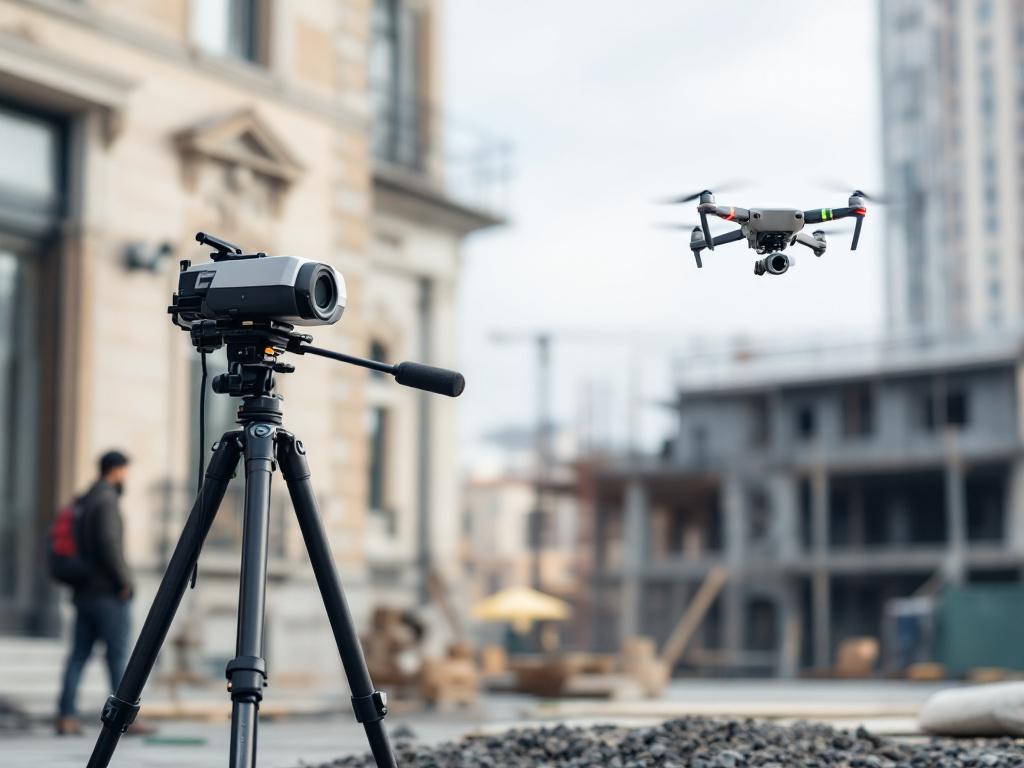
Outdoor and large-scale scanning is not a scaled-up version of indoor scanning. Sunlight overwhelms structured light projectors. Distances exceed laser triangulation range. Subjects do not sit still on a workbench and cannot be brought to a scanner. The methods below exist because indoor methods break at this scale — and the methods themselves split into four distinct workflows that practitioners pick between or combine.
Mobile / Handheld LiDAR. Real-time point cloud generation as the operator walks through the space. Works in any lighting because it is its own light source — laser pulses or phase-shifted laser rather than reflected ambient light. Ideal for: building interiors, tunnels, industrial plants, crime scene reconstruction, stockpile measurement. Trade-offs: lower accuracy than terrestrial laser scanning (typically 10-30mm vs. millimetre or sub-millimetre at short range), color data depends on integrated cameras and is usually lower fidelity than dedicated photogrammetric color, and file sizes grow large quickly — tens of gigabytes per building floor is not unusual once you walk every room.
Drone Photogrammetry. A multirotor or fixed-wing drone flies a programmed grid pattern, capturing hundreds to thousands of overlapping aerial images. Software stitches them into ortho-mosaics and 3D models with georeferenced coordinates pulled from the drone's GPS. Ideal for: rooflines, construction site progress monitoring, archaeological landscape survey, mining stockpile volumetrics, agricultural field analysis. Trade-offs: weather dependency (wind and precipitation ground the aircraft), regulatory restrictions on airspace, and vertical surfaces like building facades that need supplemental oblique flight paths because nadir-only photography misses them entirely. Vegetation canopy is also a hard limit — photogrammetry sees the top of the trees, not the ground beneath.
Terrestrial Laser Scanning (TLS). Tripod-mounted, stationary scanner sweeps a full 360° sphere from each setup position. This is the highest accuracy class for outdoor work — millimetre-class at 10m range, centimetre-class at 100m. Ideal for: heritage building documentation, highway and infrastructure design, forensic surveys requiring legal-grade evidence, plant and refinery as-built capture. Trade-offs: setup-and-move time per station runs 5-15 minutes, multiple stations (often 10-50) are needed to cover a complex site without occlusion shadows, and the registration of stations into a single coordinate system is a non-trivial post-processing step that requires either physical targets in the scene or software-driven cloud-to-cloud alignment.
Drone LiDAR. A LiDAR sensor mounted on a drone — combines drone's coverage speed with LiDAR's vegetation penetration. Ideal for: forest floor topography under canopy, powerline corridor inspection, archaeological survey through dense vegetation (the technology behind the well-publicised discoveries of overgrown Maya and Amazonian sites in the last decade). Trade-offs: payload weight limits flight time to typically 20-40 minutes per battery, sensor cost is high (often an order of magnitude above drone photogrammetry kit), and point density is lower than what a tripod-mounted terrestrial unit produces.
Most large-scale projects combine methods: drone photogrammetry for site overview and color, terrestrial laser scanning for sub-millimetre detail at key elevations, handheld LiDAR for interior spaces. The combination produces a single registered point cloud where each region uses the method best suited to it. The same pattern shows up well outside surveying — athletic facility scans for performance analysis often pair structured light for body geometry with photogrammetry for facility context, because no single method captures both at the resolution each task needs.
Outdoor scanning is not indoor scanning at larger scale. It is a different problem with different tools, and combining methods is the rule, not the exception.
What Happens After Capture: Cleaning, Meshing, and Choosing Your Export
A raw point cloud is not a deliverable. Between capture and final use, four decisions determine whether the scan is fit for purpose. Get them wrong and a perfect scan produces an unusable file — geometry that is technically accurate but unopenable in the downstream tool, or a 5GB mesh that crashes the engineer's CAD software, or a rendered image with seams and texture stretching because the UV mapping was never done. The decision matrix below is the framework for those four choices.
| Decision Point | Lightweight Option | Standard Option | Heavy Option | Driven By |
|---|---|---|---|---|
| Point cloud density | ~500K points | 10-50M points | 500M+ points | Detail vs. file handling |
| Mesh face count | 100K faces | 1M faces | 10M+ faces | CAD vs. visual use |
| Color handling | None (geometry only) | RGB per vertex | UV-mapped texture / PBR | Visualization needs |
| Export format | STEP / IGES (CAD) | OBJ / FBX (general) | GLB / USDZ (web/AR) | Downstream software |
Cleaning is non-negotiable. Raw point clouds contain three predictable problems: outliers (single floating points from sensor noise or background objects that drifted into frame), gaps (occlusion shadows where the scanner could not see, like the underside of an undercut), and registration errors (misalignment between merged scans showing as doubled or smeared surfaces). Cleaning tools — CloudCompare is the open-source standard, and Geomagic Wrap and Artec Studio are common commercial alternatives — remove outliers via statistical filtering, fill gaps via curvature-based interpolation, and re-align scans using global registration algorithms that minimise overlap error across the whole dataset rather than pair by pair. Skip this step and downstream meshing produces a model with floating fragments and surface holes that breaks 3D printing, CAD import, and physically-based rendering alike.
Meshing is the decimation decision. Going from points to triangles produces a high-density mesh that nobody actually wants in raw form. CAD software chokes above roughly 1-2M faces. Slicers for 3D printing run fastest at 500K-2M faces. Real-time game engines target under 100K for streamed assets. Photoreal rendering can use 10M+ faces if the renderer supports it and the hardware has the memory. Decimation algorithms — quadric edge collapse is the standard implementation in most packages — reduce face count while preserving silhouette and curvature features. The right target face count is determined by the downstream tool, not by a universal "best practice." There is no correct mesh density in the abstract.
Color and texture add a second layer of decisions. Photogrammetry captures color natively because color comes from the same photos used for geometry — the data is already there, you just choose how to apply it. Structured light and LiDAR usually capture geometry first and require a separate photo pass for high-fidelity color, often with a separate camera at a different working distance. The choice is whether to bake color as per-vertex RGB (simple, low-fidelity, file-format-friendly) or as a UV-mapped texture (higher-fidelity, requires more processing, requires the receiving software to support UV maps). PBR texture sets — albedo plus normal plus roughness, sometimes with metallic and ambient occlusion — are needed only for photorealistic rendering pipelines and add days of work for marginal gain in non-photoreal applications.
Format is the compatibility trap. OBJ is universal but loses animation rigs and uses inefficient ASCII file sizes by default. FBX preserves animation and material structure but is proprietary (Autodesk-controlled) and version-dependent in ways that bite during interchange between studios. PLY preserves raw point density and per-vertex color, which is why scientific archival pipelines prefer it. STEP and IGES are the CAD-engineering formats — they discard mesh data entirely and reconstruct surfaces as parametric NURBS, which is what engineering software needs to perform Boolean operations and parametric edits on the geometry. GLB and GLTF are the web and AR formats, optimised for streaming and rendering on constrained hardware. Choose based on the destination tool, not the source scanner.
The same scanned part, post-processed three ways — decimated to 200K faces in STEP for an engineer, kept at 5M faces in OBJ for marketing visualisation, and exported at 500K faces in GLB for a product configurator — is three different deliverables from one capture session. The 3d scanning process does not end at the scanner; it ends at the file your downstream user actually opens.